 LANDBANK ROOM TEST
Keep this entire square inside the phone camera
Computer screen · Step 1
Point your phone here. Then look right.
Keep this page open on the computer. Use your Android phone to scan the QR code, allow camera access, then aim the phone at the large marker.
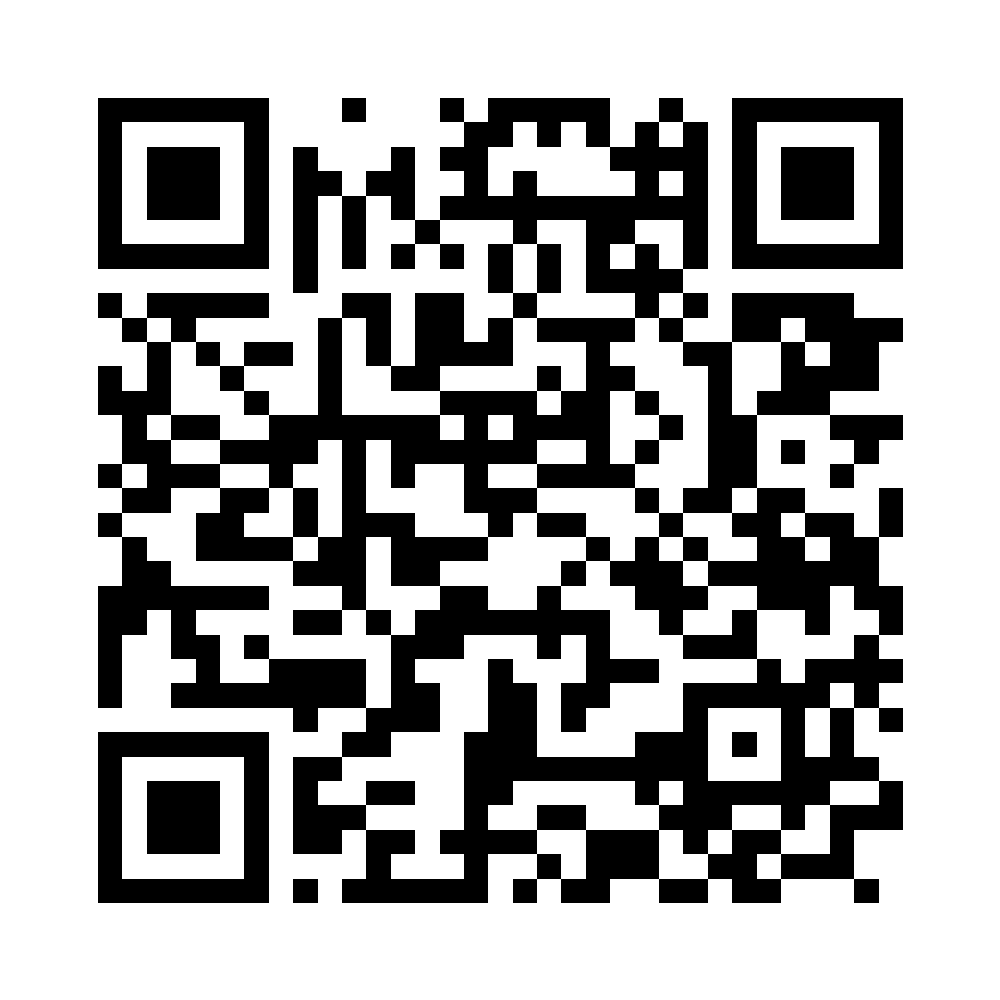
Open the room guide
Scan with the Android camera or Google Lens. Open the link in Chrome.
1
Scan the QR code and allow camera access.
2
Step back until the complete black square and white margin fit inside the camera.
3
Follow the arrow to the table and place the LANDBANK logo.
Best results: use 70% screen brightness and tilt the screen if you see glare.